How it works

Hand us your document. We do the rest.

Capture, production, translation, deployment, and keeping it current: all ours. You clear what we flagged, and it goes live.

WE DO EVERYTHING IN BETWEEN · YOU CLEAR THE CHANGES · ALWAYS ON THE CURRENT VERSION
Your document → deployed training
1
Hand us your document
Your SOP, binders, slides, or PDFs. No format required.
2
We turn it into your script and video
The exact narration and the finished video, both at once, in every language.
3
Built from your SOP. Ready when you are.
We build from your SOP. Only the changes get flagged for you to clear.
4
Deploy in your LMS by profile
Build each path once per role; one click assigns it by profile.
5
They learn and work on it
Branded platform, any device, in their language.
6
It stays current
Every change re-runs the same gate, then refreshes within 48 hours.
Below: one document, LOTO-4.2, makes the full trip
We
Do everything in between
Days
From document to live
48h
From change to retrained
Always
On the current version
The six-step flow

From your document to training that updates itself.

The literal end-to-end path: what happens at each step, what you do versus what we do, and where it sits on the timeline from kickoff to always-current. One step stays with you: you clear the flagged changes, and it goes live.

01
Step 01 / 06

Hand us your document.

Two ways in, and both count as done. Either way, you don’t script it, format it, or clean it up first.

Option 1 · Hand it over

SOP binders, slides, PDFs, or a bulk export of the training you already built. Odd format? Verdict within a day.

Option 2 · Record it BETA

Film the senior operator doing the task: phone clips, voice memos, a walkthrough on the floor.

Artifact ·Structured source library
Voice Memos
SOP-4.2 walkthrough.m4a
Today · 03:42 · 8.4 MB
01:24 / 03:42
◀◀▶▶
“…and then you check the lockout tag…”
9:41●●● 100%
IMG_4729.MOV
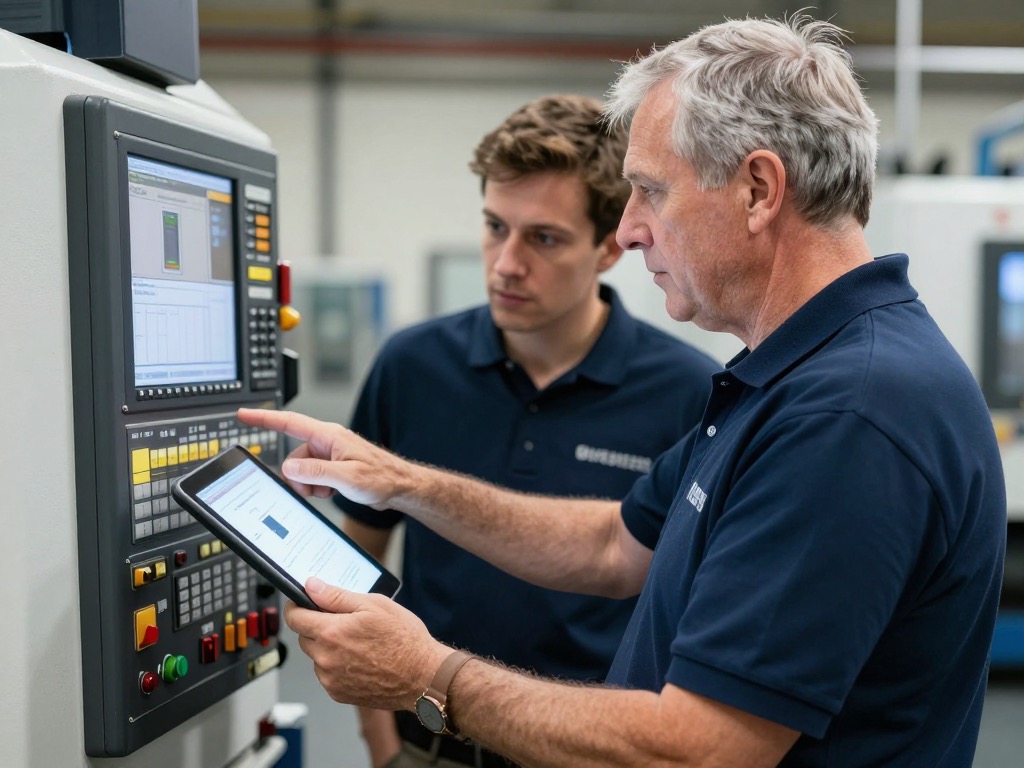
Raw phone clip: operators stepping through the lockout at the control panel
00:4202:47
“OK so what you do is, you grab the lockout…”
Standard Operating ProcedureHealth & Safety Dept.
LOTO-4.2Rev. 3 · 01/2024
Lockout / Tagout · Energy isolation
DO (Required Actions)
  • Identify all hazardous energy sources before starting.
  • Use your personal padlock and keep the key in your possession.
  • Attach a tag with your name, company, date, and reason.
  • Verify isolation by attempting to restart the equipment.
DON'T (Prohibited)
  • Never remove another person's padlock without authorization.
  • Never use tie-wraps in place of proper lockout devices.
Uncontrolled when printed · Page 47 of 212
REV. 3
P safety_training_2019.pptx34 slides · 18.2 MB
Source library · 4 in ✓

02
Step 02 / 06

We turn it into your script and video.

We hand you a script, the exact narration the actor will say, slide by slide, alongside the images that will appear on screen, and the finished video built from it. You get both at once, in every language. The narration, the visuals, the voice-overs and the native-language quizzes are all produced together, ready to read and watch.

Artifact ·Reviewable script + finished video, in every language
Script + video · LOTO-4.2 Render · Done
Script · EN master12 slides
03

Switch the disconnect to OFF and apply your personal padlock.

04

Verify isolation by attempting a restart before any work begins.

Narration recorded · 0:19
05

Attach a tag with your name, company, and the date.

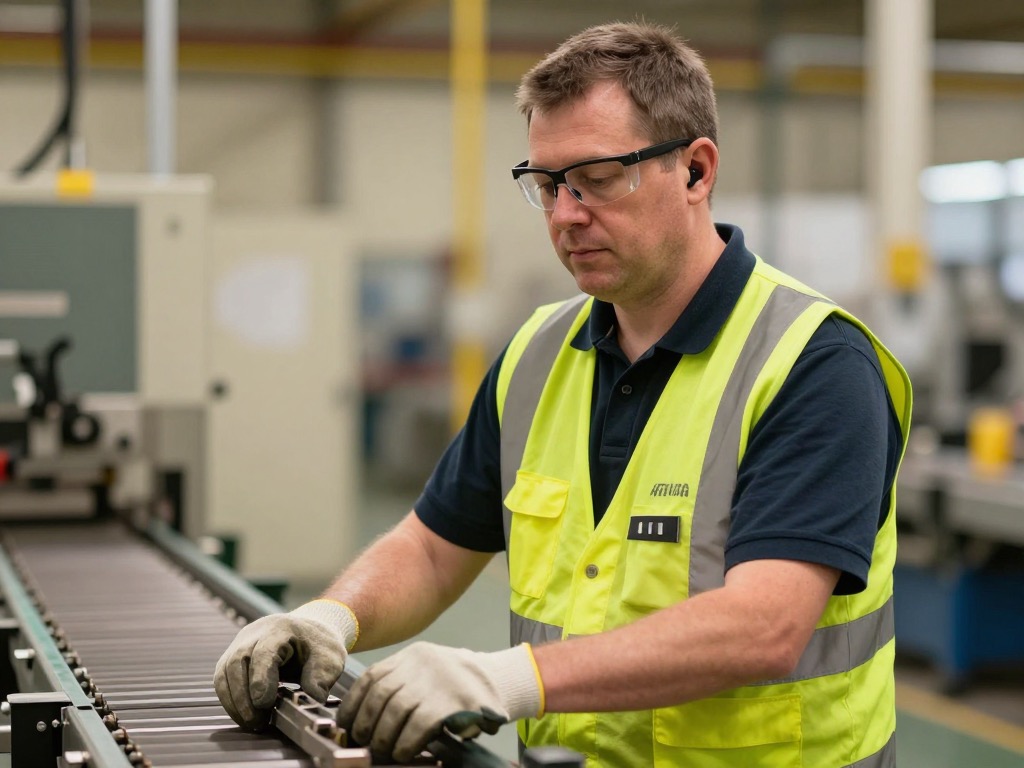
Footage frame: operator at the machine, from the finished LOTO module
LOCKOUT / TAGOUT · SLIDE 04 Verify isolation Attempt a restart before any work begins
Verify isolation by attempting a restart.
02:1306:48
EN ✓FR ✓ES ✓+72 more Draft v0.9 · delivered Tue 09:12
03
Step 03 / 06

Built from your SOP. Ready when you are.

We build the script and video directly from your SOP. Where we added a clarification or reworded a step, it’s flagged and highlighted. Clear what’s flagged, and it ships.

Artifact ·Approved script + video, per language
Review & approve · LOTO-4.2 1 change to review
Script · Slide 06
Lower the guard and clear the area before restart.
Plant 2: apply dual locks to the main disconnect.new · highlighted1
SK
S. Kowalski · Plant 2 · Today 14:12

“Plant 2 runs dual locks on the main disconnect. Please add this line.”

Edit applied · re-rendered
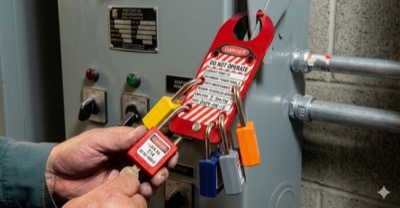
Lockout/tagout: padlocks applied to an energy isolation point before any work begins
LOCKOUT / TAGOUT · SLIDE 06 Dual locks · main disconnect Plant 2 · before any work begins
04:51/ 06:48CC
Changes highlighted · clear to ship
Changes dual locks · cleared ✓ Nothing ships until you approve
04
Step 04 / 06

Deploy by employee profile.

You build a course path once per role, then deploy it in one click by employee profile. Smart assignment routes the right course to the right person, so the floor and the front office each get what their role needs.

Artifact ·Role-based course paths, live
Create Course Path · New hire ramp Line Operator
Course Sequence · 4 courses · 40 min
1Plant orientation12 min · video + quiz
2PPE essentials8 min · video + quiz
3Lockout / TagoutLOTO-4.2 · 9 min · video + quiz
4Line startup & handoff11 min · video + quiz
Built once for this role · ready before day one · illustrative data
Role
Line Operator
Sites
Plant 1 ✓Plant 2 ✓Plant 3 ✓
Language
ENFRES
Matched to each employee profile.
JDALRP+24 27 employees match
05
Step 05 / 06

Your team learns and works on it.

They open the browser or app and take the course assigned to their role: a 2–10 min video in their own language and a short quiz. The manager sees who passed, the score, and how long it took: one dashboard to track the whole team and spot who needs a follow-up.

Artifact ·Trained team · proof of competence
9:41●●● 100%
Yourcompany AcademyM. Reyes · Plant 2 · Line Operator
Footage frame: line operator at the line, from the LOTO module
MODULE 3 · LOCKOUT / TAGOUT Apply your personal lock
CCUse your personal padlock and keep the key with you.
ENFRESCaptions & audio
Module 3 of 743%
?Up next · Quiz, 4 questions · pass 80%
Rewatch · Verify isolation0:42 · Module 3
LearnPathsHelp
Any device Dashboard · 24 of 27 ✓
06
Step 06 / 06

It stays current, through the same gate.

When a process changes, we hand you an updated script and video through the same gate: you clear the flagged changes, and it goes live. From there, the course, the in-task guide, the record, and the proof refresh across every site and every language within 48 hours, audit-signed.

Artifact ·Always-current training · signed audit trail
Versions · LOTO-4.2 Live everywhere
v3CurrentLive today · 16:40
Process changed · Step 6 now uses a 6-point check
Through the review & approve gate · S. Kowalski
Live everywhere · refreshed within 48h
EN ✓FR ✓ES ✓+72 more · 75+ languages
v2SupersededLive Mar 12
Step 6 · 5-point check (replaced by v3)
v1OriginalLive Jan 8
First build · produced from your source document
Next change? Same gate: you review & approve, then live within 48 hours · feeds the 5 prebuilt inspector reports.
One document · LOTO-4.2 Binder Build Gate Live Floor v3
The timeline
Kickoffone working session
First versionin days, not years
The gatereview & approve
Go-liveby employee profile
Always current48h refresh, on repeat
Who does what

Set the direction. We do the rest.

Side by side, the whole division of labor: so you know exactly where your team’s effort goes, and where ours does.

The ask

Set the direction

A handful of decisions, none of it production work.

  • Hand over your document. Your SOP, binders, slides, or PDFs, as-is.
  • Clear the flagged changes. Scan what we changed, clear it, and it goes live.
  • Build the course paths. Once per role, then one-click deploy by employee profile.
  • Set the direction. Which languages, which roles, what changed, and watch the dashboard.
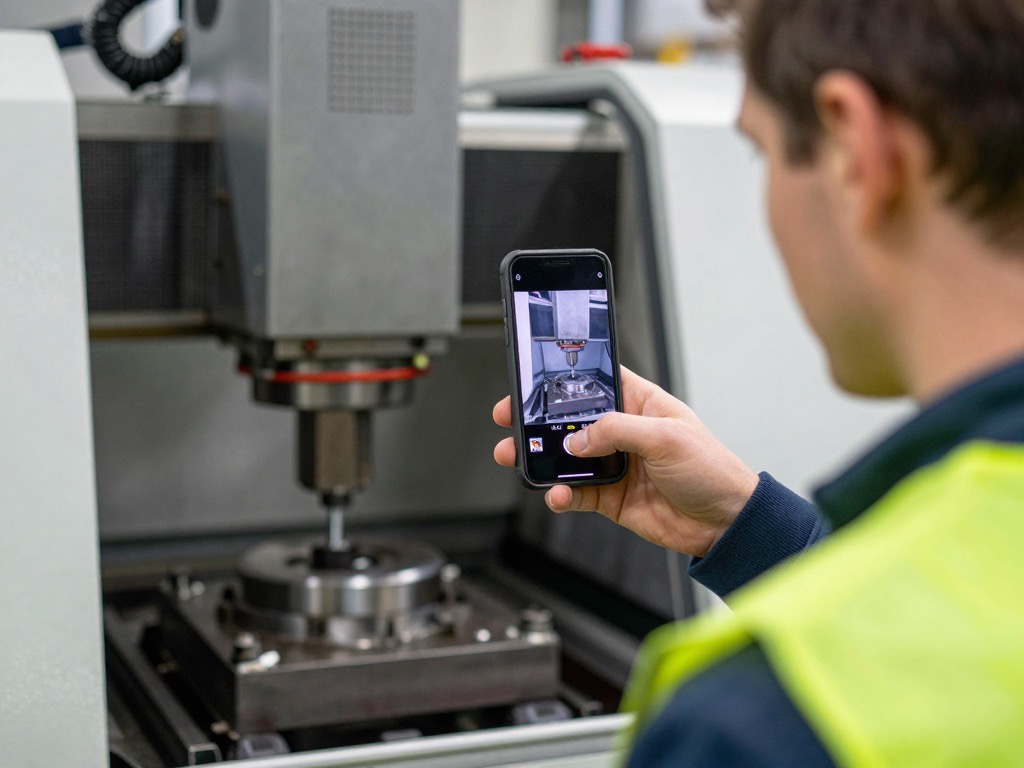
Capturing the procedure on a phone, the source for LOTO-4.2 LOTO-4.2 · Rev. 3
where it starts · your document, your format
What TalentED does

Everything in between

The production and the upkeep: ours, start to finish.

  • Process your document. We parse it, structure the steps, and build the script from it.
  • Script and video together. Turn the source into the exact script, narration and visuals, and the finished video built from it, for your review.
  • Re-render to the comma. Apply your edits and rebuild the video course to match exactly: structure, captions, quizzes, certificates.
  • Translate. Localize every course into the languages your workforce needs.
  • Deploy & keep current. Power the rollout, then refresh everything within 48 hours once a change is re-approved.
LOTO-4.2 · through this lanev1v2v3 ✓
The 48-hour update cycle

Update it once. The training always stays current.

This is the step that makes “training that updates itself” real. You update the source once in the platform: the system then updates the video course. You never start over.

06The update cycle

Change the source. Everything follows by itself.

A document is updated in-app: that one edit is the whole trigger. Within 48 hours, the course rebuilds, the in-task guides refresh, the compliance baseline resets, and the audit log signs the change, live everywhere, in every language. The new version is provably the only one on the floor.

  • One edit in the platform. Update the source once and request the update: that’s the entire action on your side.
  • 48-hour rebuild. The video course and in-task guide update to what changed, every localized version re-renders together.
  • Content reviewed. Same gate as Step 03: what changed is highlighted, you review and approve, nothing ships until you do.
  • Live everywhere, all languages. Every site picks up the current version at once: no separate rollout, no translation project.
  • Proof on record. What changed, when, and who’s now on the current version, captured and signed, inspection-ready.

You update it once in the LMS; the system then updates the video course, never starting over.

01Source updated
02Course + guide rebuilt
03Content reviewed
04Live everywhere, all languages
05Proof on record
LOTO-4.2v3 · current
Lockout / Tagout · Energy isolation
Step 6 · run the 6-point check before removing your lock.
One edit → back here within 48h
FAQ

The honest answers.

The questions a skeptic asks before believing training can build and update itself.

Q1How fast can you really turn around a course?
First cut in 5–10 days from the day you hand us the source. Revisions inside that. We’re slower if your SOPs need to be reverse-engineered from a senior person’s head, but we do that work too.
Q2Who owns the content?
You do. Every course, every transcript, every asset: yours. We’re not building a content library to resell. We’re building your library, on your domain.
Q3What does “updates live in 48 hours” actually mean?
Process changed? Update the source in the platform; the new script and video come back with the changes flagged. Review and approve, and within 48 hours the affected video segments are updated, localized in every language, and live to every employee. No requeue. No project plan. No quarterly release cycle.
Q4Does it integrate with our HRIS / SSO?
Yes: SCIM provisioning, SAML/OIDC SSO, and webhooks into your HRIS for hire/leave events. We work with Workday, BambooHR, Rippling, Okta, Azure AD out of the box.
Q5What about security and compliance?
SOC 2 in progress, GDPR-aligned, regional data residency on request. Audit logs, role-based access, retention controls, handled by default, not by upgrade.
Q6What if our experts don’t know how to be on camera?
That’s the whole point. They don’t have to be. Hand it to your best person. Press record. We do the rest, including, when needed, replacing their on-camera delivery with an AI presenter while keeping their words and their expertise.
One document · LOTO-4.2 Binder Build Gate Live Floor v3 · always current ✓

Tell us one process.

“Excellence is teachable.”

We’ll sketch the course we’d build from it before the call ends, so you can see capture, the script and video you’d approve, translation, deployment and the 48-hour update cycle on something that’s actually yours.